The Ultimate List Of Evergreen Video Ideas
A list of evergreen video formats and ideas that stay relevant for years, with examples you can use for your podcast, brand or YouTube channel.
Some videos are popular for a week. Others keep getting views for years. The difference is often the format: certain ways of presenting content keep working no matter which platform or trend is popular right now.
This is our list of evergreen video formats. We keep it up to date as we find more, so bookmark it and come back when you need ideas. At Recast Studio, we also use this list to guide our product roadmap, because every format here should be quick to produce from material creators already have.
Video Ideas vs. Content Ideas
It helps to separate two questions:
- The video idea is how you present something: the format.
- The content idea is what you present: the topic or message.
Most creators start with a topic and then struggle to decide how to present it. It is usually easier to work the other way around. Pick a proven format first, then fill it with your content. “A listicle about podcast mistakes” or “a reaction video to a famous interview” is much easier to plan than “something about podcasting.”
The formats below work on YouTube, Instagram, TikTok, Facebook, LinkedIn, and most other video platforms. For each one, we explain what it is, why it lasts, and how you can make it from content you already have.
List of Evergreen Video Ideas
1. Video Listicles
“Top 10 things you need to know about…” videos work because viewers know exactly what they will get and can see their progress through the list. They are also easy to make: you need a script, some footage or images (used with proper credit and within license terms), and a voiceover.
Podcast angle: Turn an episode’s key takeaways into a “5 lessons from my conversation with…” video.
2. How-To Tutorials
People search for answers to the same problems year after year: how to set up a microphone, how to write a resume, how to edit a video. A clear, step-by-step tutorial can collect search traffic for a long time, especially on YouTube.
Tip: Put the outcome in the title (“How to record a podcast on your phone”) and show the result early so viewers know they are in the right place.
3. Video Essays
A video essay explores one topic in depth, with commentary, research, and supporting footage. Channels such as ColdFusion and Every Frame a Painting are good examples. Essays take more work, but they build authority and tend to keep getting views because they explain a subject well.
4. Explainers
Shorter and simpler than an essay, an explainer answers a single question: “What is an RSS feed?” or “Why do some videos have black bars?” Use simple graphics, a clear voiceover, and one main idea.
5. Video Memes (Letterhead Format)
This format was popularized by Gary Vaynerchuk. It is a square or vertical video with a title bar at the top and captions at the bottom, so it works with the sound off. It is one of the fastest ways to turn a long recording into a social post. We cover it in detail in our guide on how to make a Gary Vee style video.
6. Video Podcasts
A video podcast can be one person talking to the camera or two or more people having a conversation on a topic. Long conversations stay relevant when the subject is not tied to the news. A full episode can also feed dozens of shorter clips. To start, read our guide on starting a podcast on YouTube.
7. Audiograms (Podcast to Video)
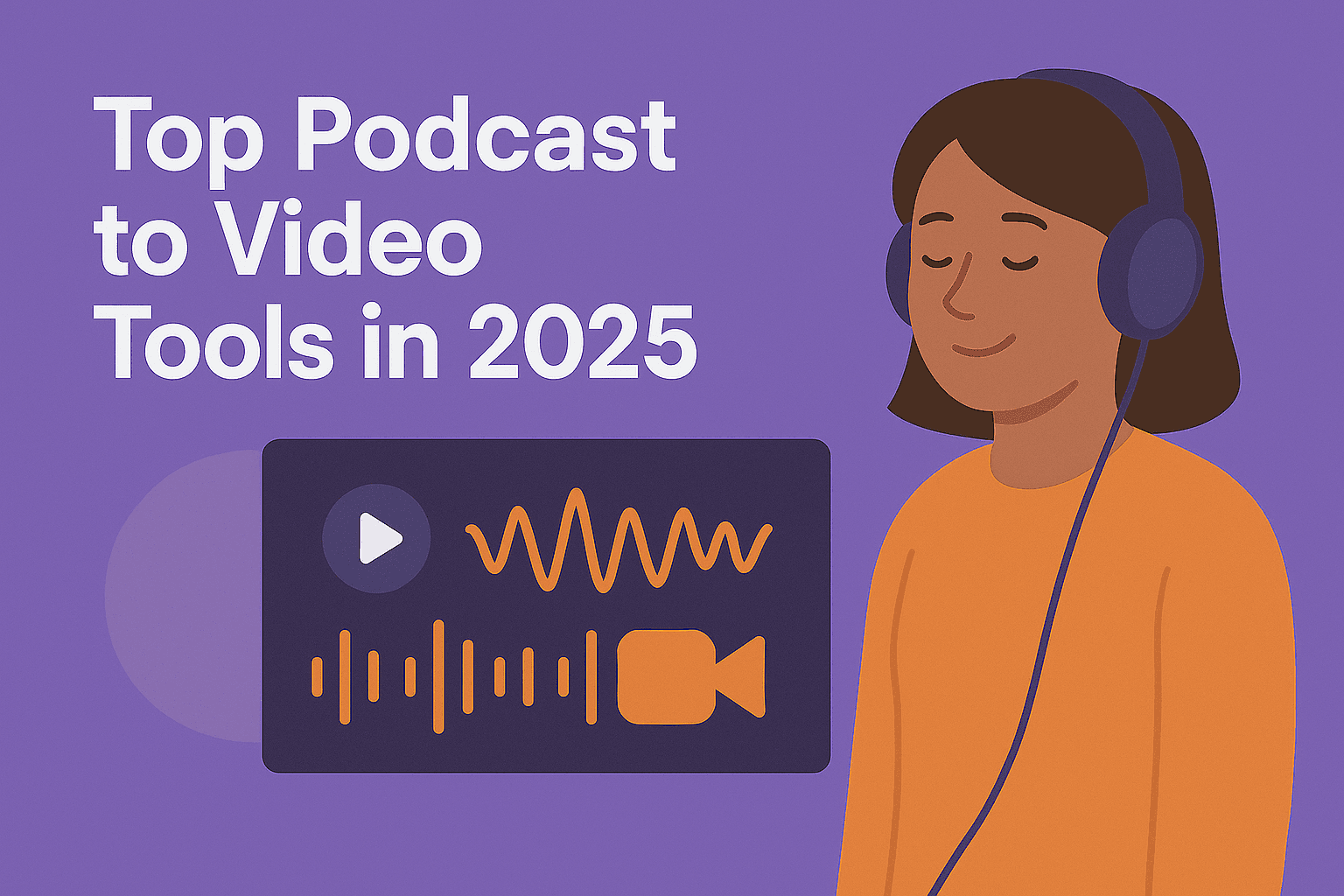
An audiogram turns an audio snippet into a video by combining it with an image or video background, captions, and an animated waveform. Because viewers both hear and see the message, it sticks better than audio alone. It is the easiest way for audio-only podcasts to appear in video feeds. You can make one with the Podcast Audiogram Generator or convert a full episode with Podcast to Video.
8. Short Clips and Highlights
The best 30 to 90 seconds of a longer video, cut into a vertical clip with captions. Highlights work on TikTok, Instagram Reels, and YouTube Shorts, and a good clip can bring new viewers back to the full video for months. The Podcast Clip Maker and YouTube Clip Maker find these moments for you.
9. Interviews
Interviews with experts, customers, or interesting people are evergreen when the questions focus on lasting lessons rather than current events. Ask about mistakes, turning points, and advice the guest would give to a beginner.
10. News-Style Stories
These are the short documentary-style videos made popular by outlets such as Mashable and Brut. They run about 2 to 5 minutes and combine montages, clips, on-screen text, and short interviews. The topic does not have to be news: the same structure works for the story of a company, a product, or a person.
11. Case Studies and Before-and-After Videos
Show a problem, the process, and the result. Before-and-after videos work for almost any field: a room makeover, a website redesign, an edited podcast episode compared to the raw recording. Viewers like to see the transformation, and the format builds trust.
12. Video Compilations
“Best moments of the year,” “epic fails,” or “every time the guest said something surprising.” Compilations reuse existing footage, so they are quick to make, and fans enjoy watching them again. Make sure you have the rights to every clip you use.
13. Q&A and FAQ Videos
Collect the questions your audience asks most often and answer them on camera. Each answer can also be cut into its own short clip. Q&A videos help your audience and show search engines and recommendation systems exactly what questions you cover.
14. Reaction and Commentary Videos
React to a famous speech, a popular video, or a trend in your industry, and add your own analysis. The value comes from your opinion and expertise, so focus on commentary instead of replaying someone else’s content.
15. Vlogs
A vlog is a video log of what you are doing: daily, weekly, or around a special event. Vlogs build a personal connection with the audience. To keep them interesting, give each one a clear story: a goal, an obstacle, and an outcome.
16. Behind-the-Scenes Videos
Show how your work gets made: your recording setup, your editing process, the planning for a launch. Behind-the-scenes content makes a brand feel human and gives your audience a reason to care about the finished product.
How To Get More From Each Format
You do not need a new recording for every format on this list. One long video or podcast episode can become a video podcast, a set of short highlight clips, a few audiograms, a letterhead-style video meme, and a listicle of key takeaways. Add captions to every version so people can watch without sound. The Podcast Subtitle Generator can create them automatically.
For a full workflow, read our guide on ways to repurpose your podcast content.
Conclusion
Trends come and go, but formats like tutorials, listicles, interviews, highlights, and behind-the-scenes videos keep working. Pick one format from this list, fill it with content you already have, and publish it. Then try another. Over time, you will learn which formats your audience responds to and build a library of videos that keep bringing in viewers long after you post them.