10 Best Podcast Editing Software in 2026 Free & Paid
Best Podcast Editing Software 2026: 1. Recast Studio 2. Audacity 3. GarageBand (for Mac) 4. Adobe Audition 5. Pro Tools…
Curious about the best podcast editing softwares of 2026? Look no further. We’re checking out the newest software that makes editing super easy, so you can make awesome podcasts without any hassle. But what’s all the hype about? Well, the latest editing software can boost your podcast game, without breaking a sweat. Effective podcasting relies heavily on utilizing the best podcast editing software available.
It’s like polishing a gem to make it sparkle. Editing software helps make the sound clear, keeps the pace just right, and adds cool stuff to keep people interested.
As a result, the global market of podcast editing software is recording immense growth. Studies say that the audio editing software market will reach US$ 8.48 Bn by 2029, compared to $4.2 Bn in 2022.
So, if you want your podcast to be awesome, you need the best podcast editing software to make it sound professional and keep listeners hooked.
In this blog post, we will check out the top 10 editing software for podcasts in 2026. You can get some for free, and you have to pay for some. Whether you’re a pro at making podcasts or just starting, this list will help you find the perfect software to make your podcasts awesome. So, Let’s get started.
Why do we need a quality Editing Software?
The success of a podcast often hinges on its ability to captivate and retain listeners, and sound quality plays a crucial role in achieving this. Listeners are drawn to podcasts that sound professional and polished, with clear audio and minimal distractions.
Poor sound quality, on the other hand, can quickly turn off audiences and undermine the credibility of the content. This is where quality podcast editing software steps in. The best podcast editing software allows podcasters to refine their recordings by removing background noise, adjusting levels, and eliminating errors.
Moreover, the Best Podcast Editing Software does more than just fix mistakes in podcasts. It helps make them interesting and exciting. You can add music, and cool sounds, and smoothly mix different parts.
The Infinite Dial 2022 research reveals that the USA’s weekly audio listener population surged to an impressive 67 million in 2022. Thus, underscoring the critical role of high-quality audio content.
So, investing in the Best Podcast Editing Software isn’t just about making your podcast sound nice, it’s about keeping people interested and building a fanbase. Therefore, With the right editing tools, you can make podcasts that people love to listen to again and again.
What features should you look for in the Best Podcast Editing Software?
When choosing the Best Podcast Editing Software, it’s important to consider several key features to ensure it meets your needs effectively.
-
User-friendly interface: Look for a user-friendly interface that caters to both beginners and professionals. This makes the editing process smoother and more accessible for everyone involved. Ensure it also offers intuitive controls and helpful tutorials for all skill levels.
-
Audio enhancement tools: Prioritize software that offers robust audio enhancement tools, such as noise reduction and leveling. These features improve sound quality and help ensure a polished final product.
-
Integration capabilities: Integration capabilities are also crucial. Choose software that integrates with hosting platforms and other tools, allowing a streamlined production workflow without technical headaches.
-
Export and file format options: Consider the export and file format options offered by the software. It should support your preferred distribution platforms for seamless publishing and easier sharing.
-
Pricing: Evaluate pricing options carefully. While some tools are free, others offer paid subscriptions with additional features. Match the plan to your budget and your podcasting needs.
Here are the top 10 Podcast Editing Software of 2026:
This review highlights the best podcast editing software in 2026, aiding your selection process. Choose the ideal tool to refine your podcasts and captivate your audience effortlessly. Here are the best podcast editing software free and paid.
Best Podcast Editing Software options:
- Recast Studio
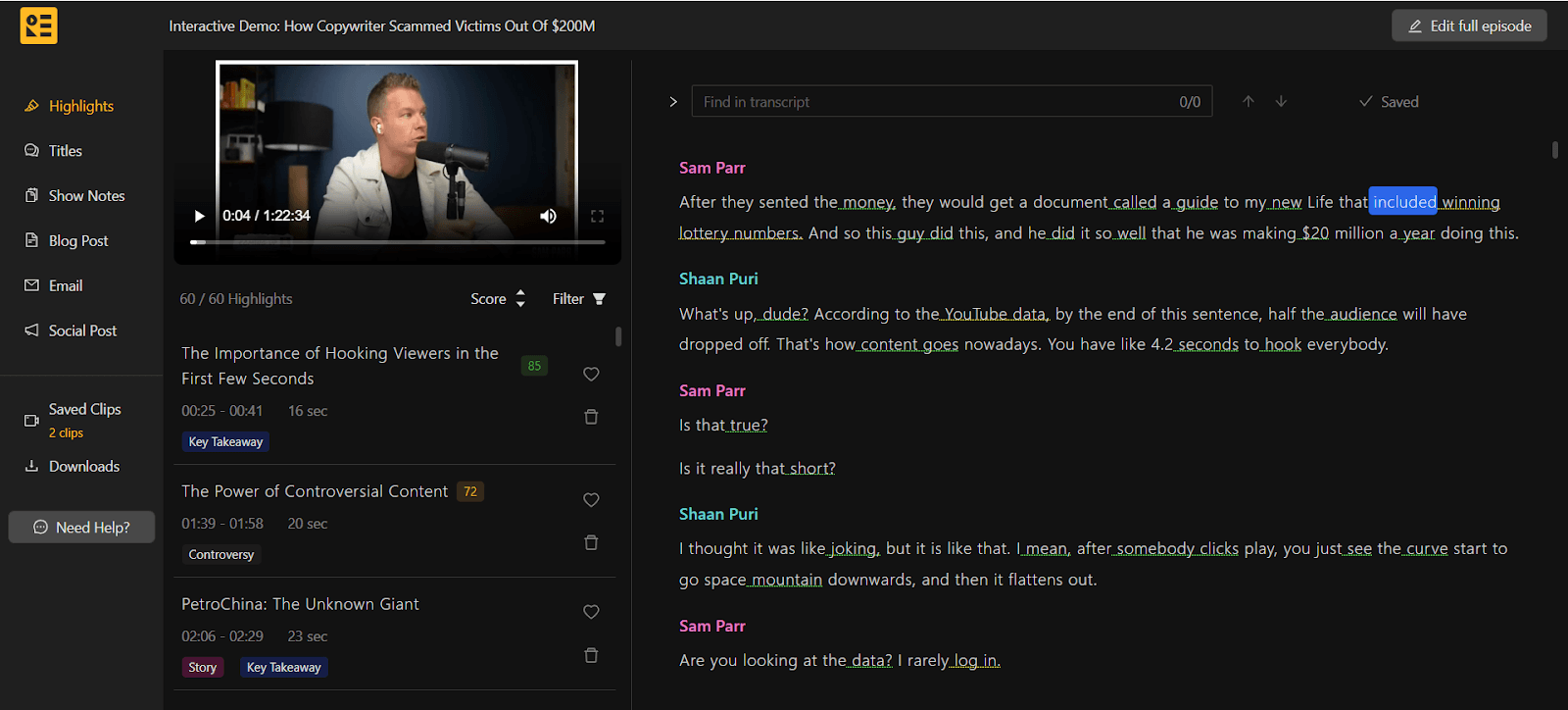 Key Features: Recast Studio elevates your podcasting journey by effortlessly generating transcripts and creating branded audiograms/video clips.
Additional features include:
Key Features: Recast Studio elevates your podcasting journey by effortlessly generating transcripts and creating branded audiograms/video clips.
Additional features include:
- AI shorts generation
- Podcast Summary generation
- Podcast Snippet Maker
- Automatic Subtitle Generator
Pros: User-friendly, with swift processing and compatibility with multiple audio formats. It also leverages generative AI to provide a wide array of additional features.
Cons: Limited third-party plugin support.
Pricing: The free version is available for one episode, after which you need to upgrade. Ideal User: Beginners and intermediate users looking for a straightforward interface and essential features.
- Audacity
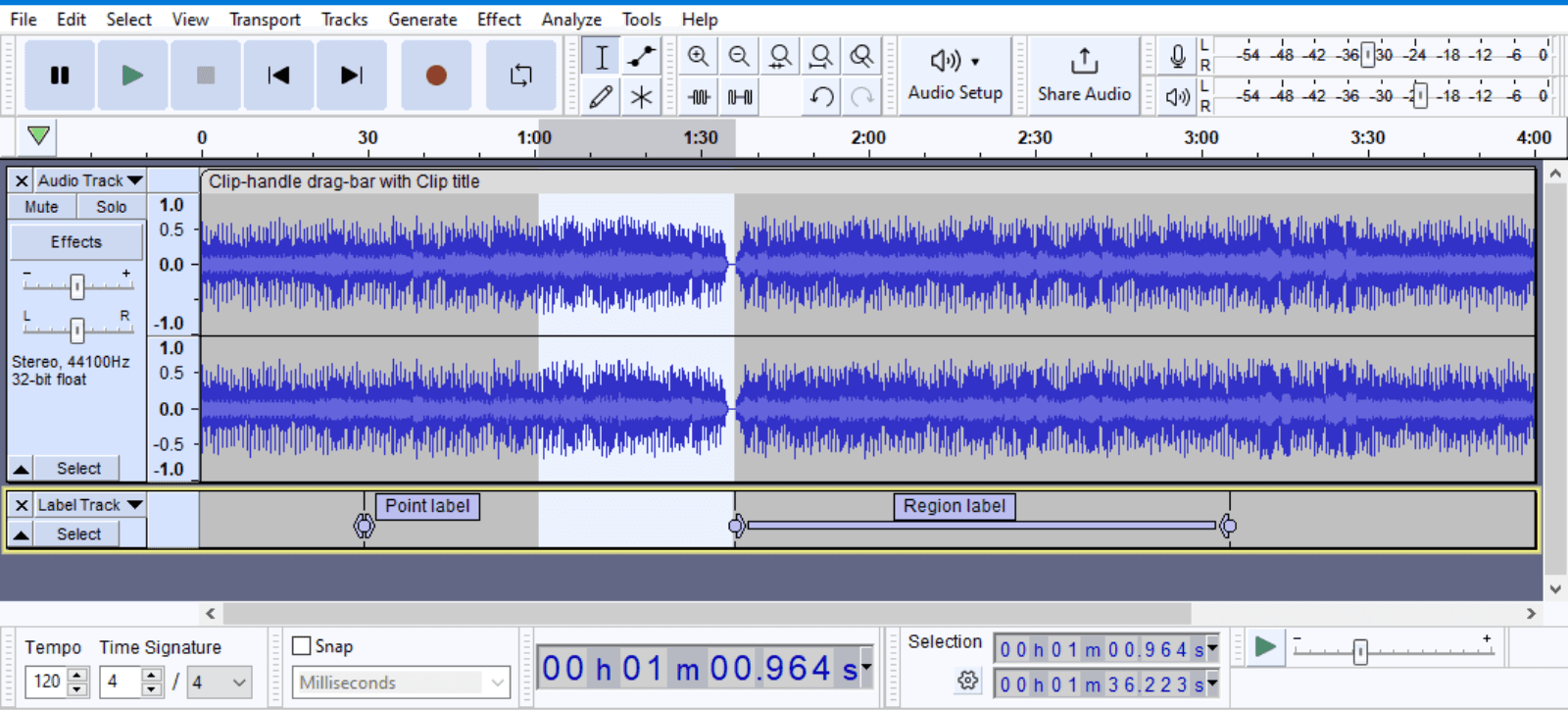 Key Features: Audacity offers multitrack editing, noise reduction, audio effects, and support for various audio formats and plugins.
Pros: Intuitive interface, extensive editing capabilities, and compatibility with Windows, macOS, and Linux.
Cons: With limited advanced features compared to paid software, the interface may feel overwhelming for beginners.
Pricing: Free. Ideal User: Beginners and intermediate users looking for a versatile and free editing solution.
- GarageBand (for Mac)
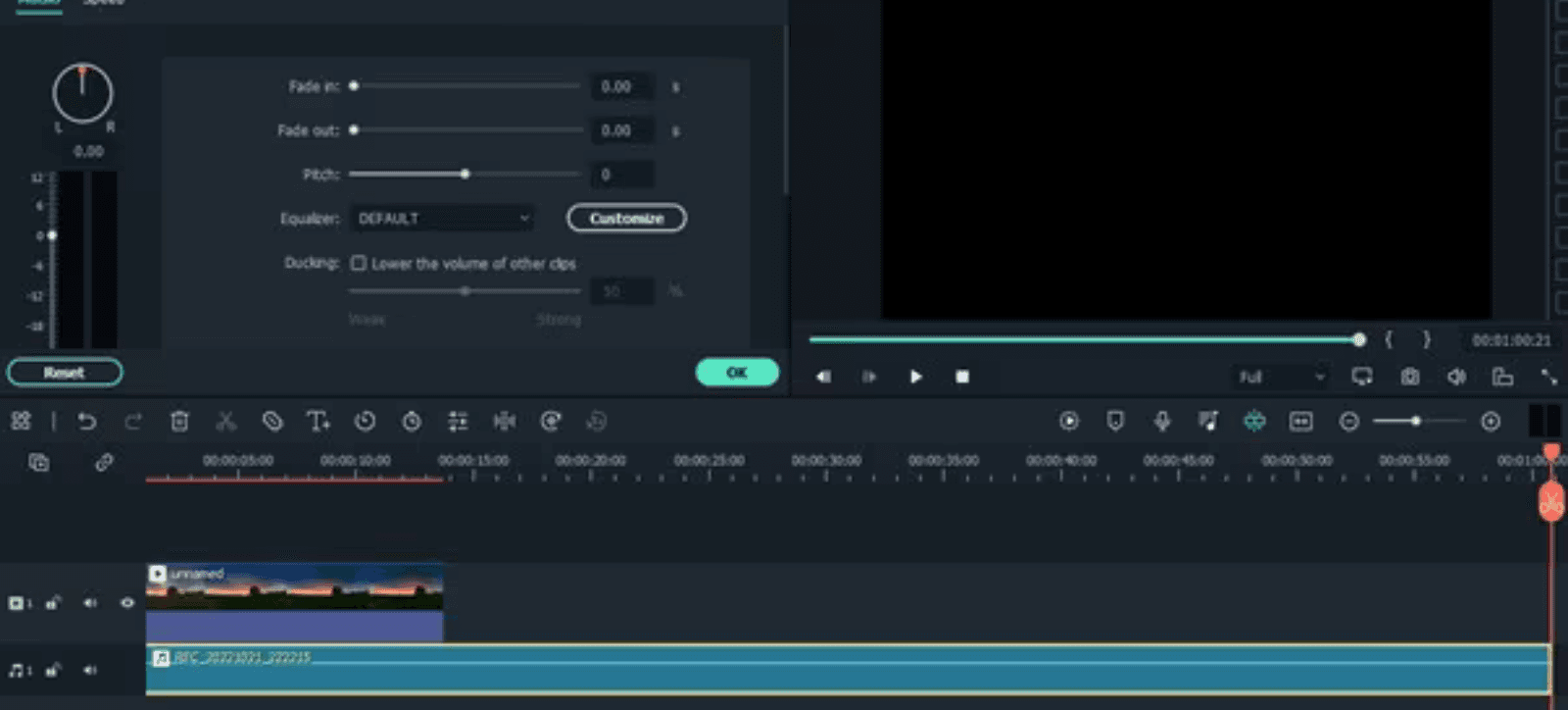 Key Features: GarageBand provides a user-friendly interface with multitrack recording, built-in audio effects, and virtual instruments.
Pros: Easy to use, offers a wide range of preset sounds and loops, and is suitable for music production too.
Cons: Limited compatibility (macOS only) and fewer advanced editing features compared to paid software.
Pricing: Free for Mac users. Ideal User: Beginners and intermediate users on macOS.
- Adobe Audition
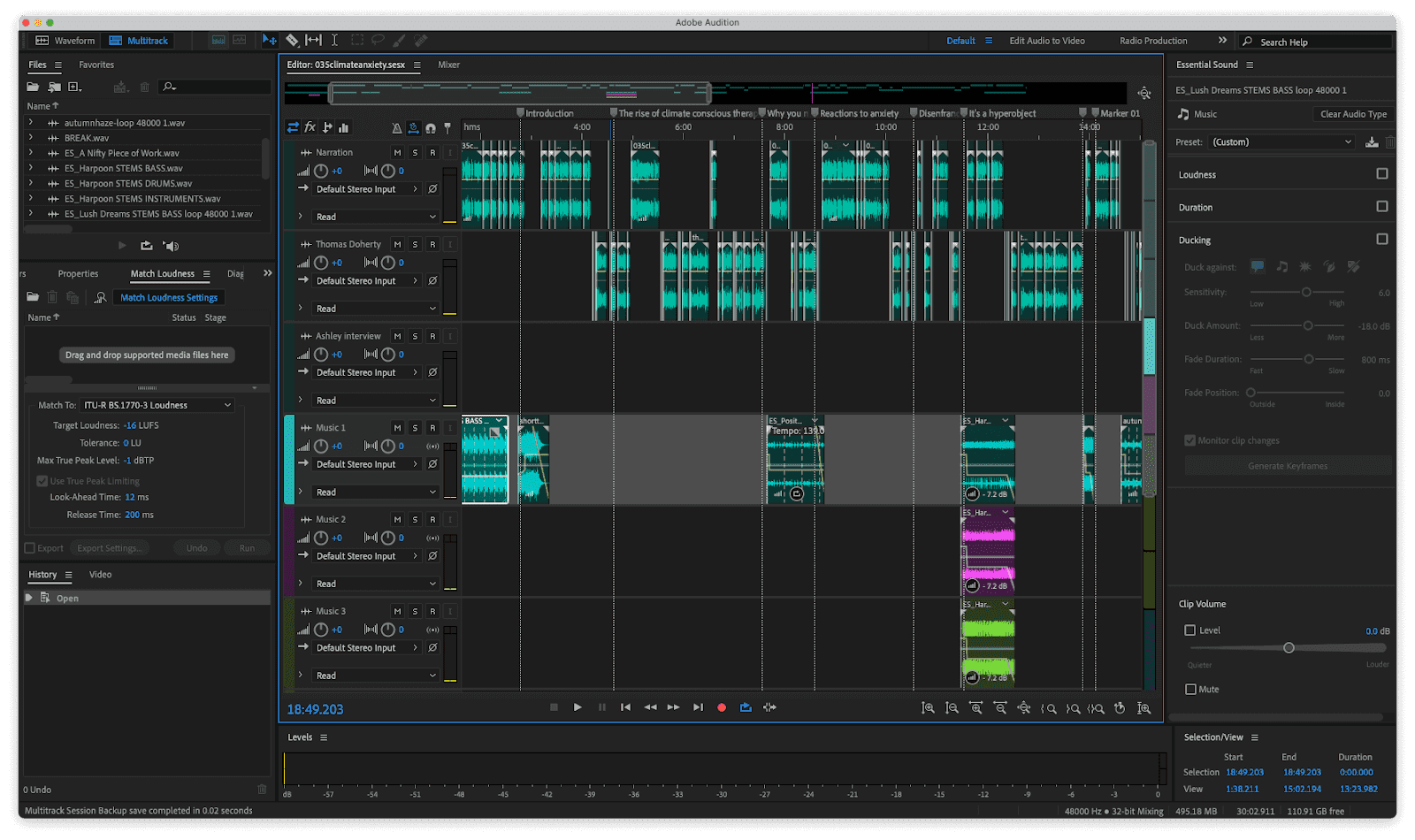 Key Features: Adobe Audition provides multitrack editing, noise reduction, audio restoration, and Creative Cloud integration.
Pros: Professional-grade editing capabilities, extensive audio effects library, and advanced noise reduction tools.
Cons: Higher price point and a steeper learning curve for beginners.
Pricing: 7-day free trial, then subscription plans starting at $20.99/month. Ideal User: Intermediate to professional users.
- Pro Tools
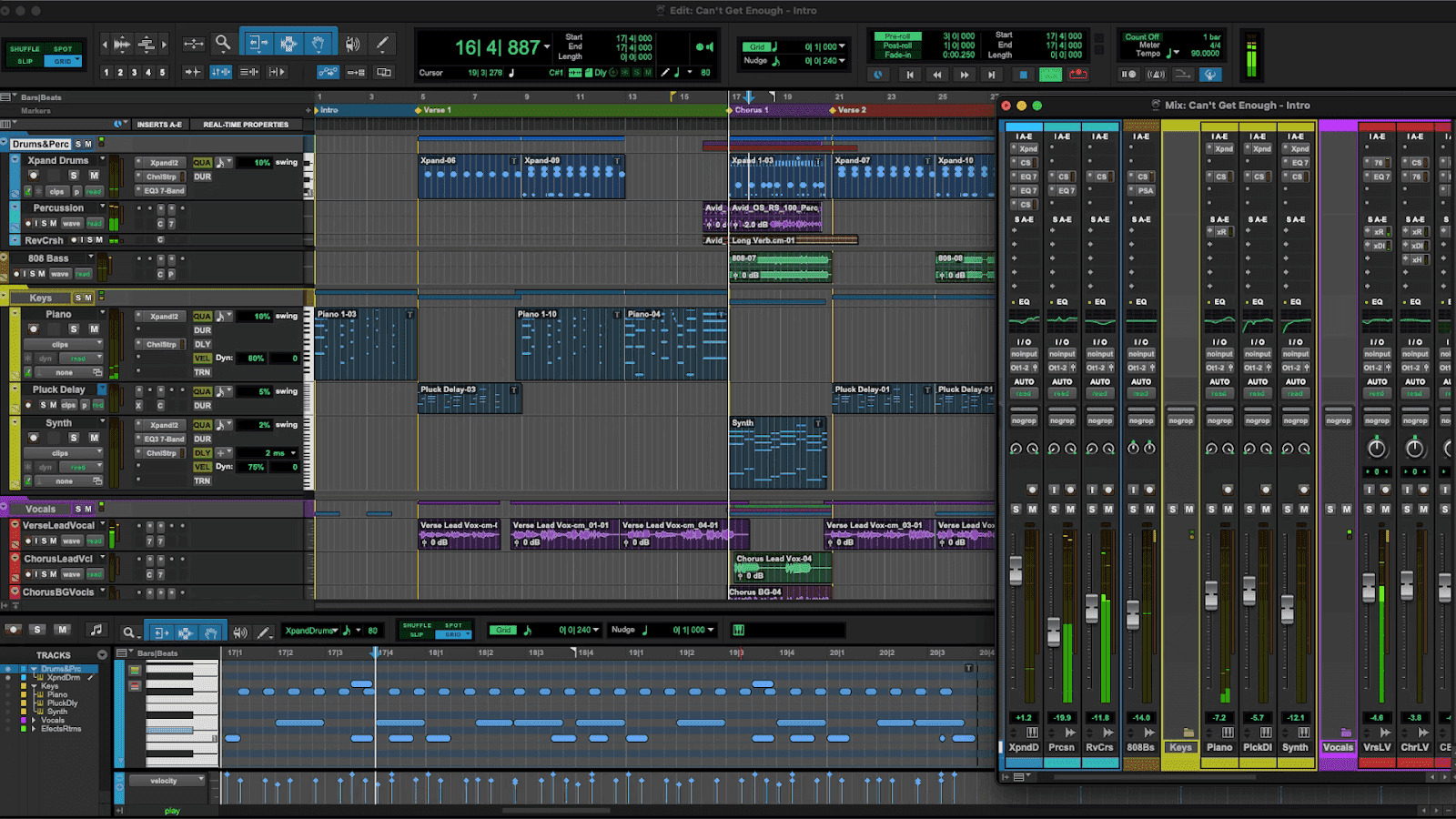 Key Features: Pro Tools offers multitrack editing, automation, and plugin support.
Pros: Industry-standard software with powerful editing capabilities and extensive plugin compatibility.
Cons: Higher price point and may require additional hardware for optimal performance.
Pricing: Free Intro tier is available; paid plans start around $9.99/month. Ideal User: Professional users and audio professionals.
- Logic Pro (for Mac)
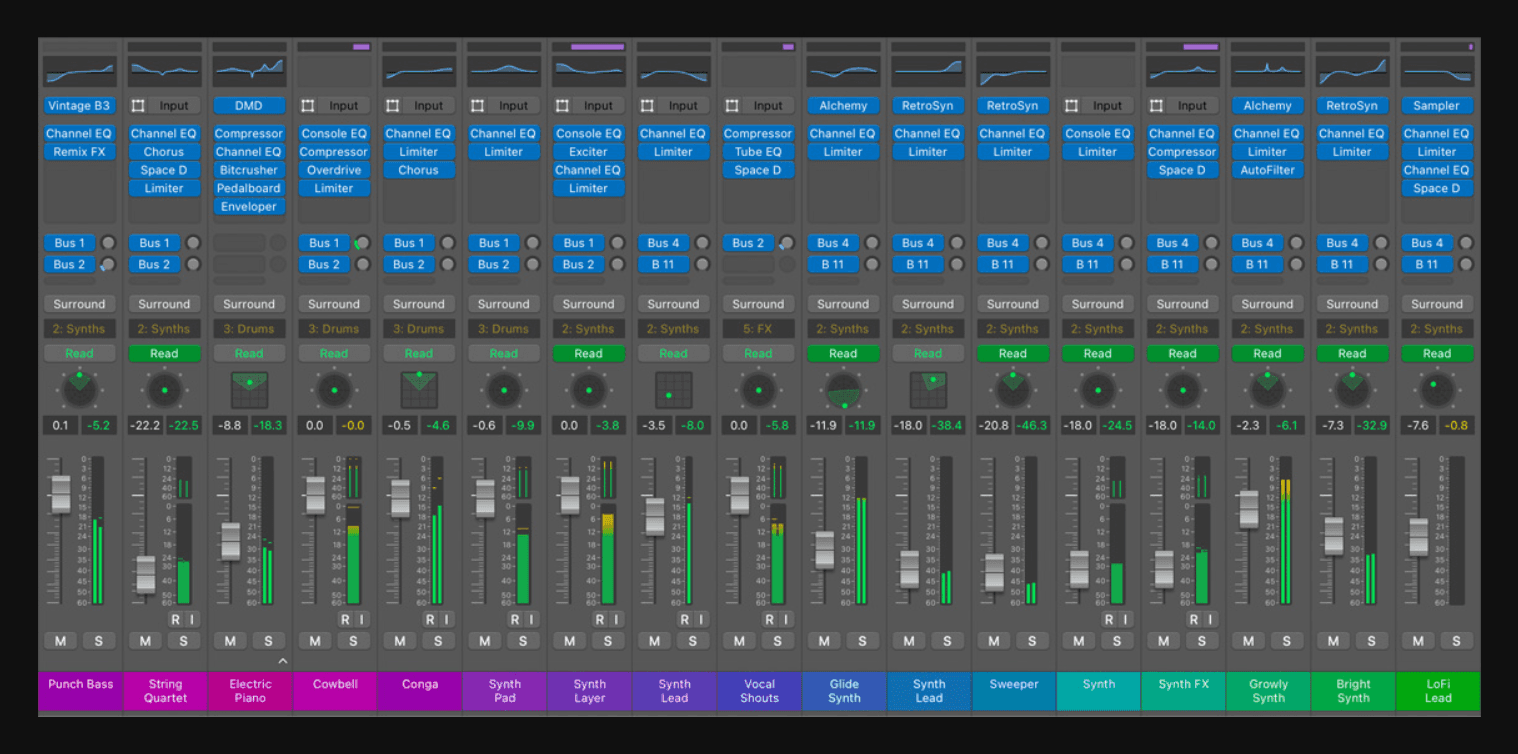 Key Features: Logic Pro provides advanced tools for music and audio production, including multitrack editing, virtual instruments, and audio effects.
Pros: Advanced features for music production and podcast editing, with seamless macOS integration.
Cons: macOS-only and relatively higher one-time price.
Pricing: 90-day free trial, then one-time purchase (around $199.99). Ideal User: Intermediate to advanced users on macOS.
- Reaper
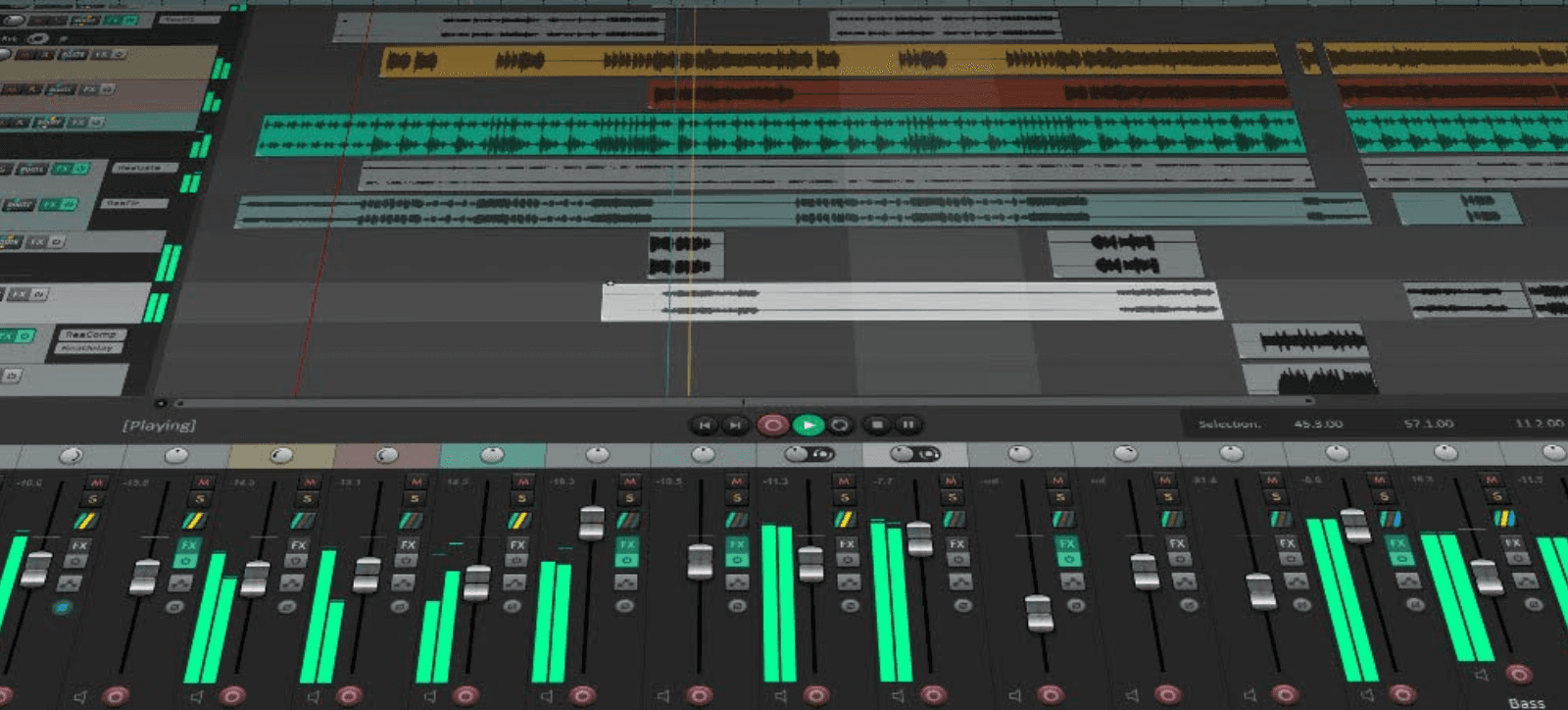 Key Features: Reaper offers extensive customization, multitrack editing, and support for a wide range of audio formats.
Pros: Affordable pricing, frequent updates, strong community support, and flexible licensing.
Cons: Steeper learning curve for beginners.
Pricing: Evaluation version is available; personal licenses start around $60. Ideal User: Intermediate users and professionals seeking a customizable solution.
- Hindenburg Journalist
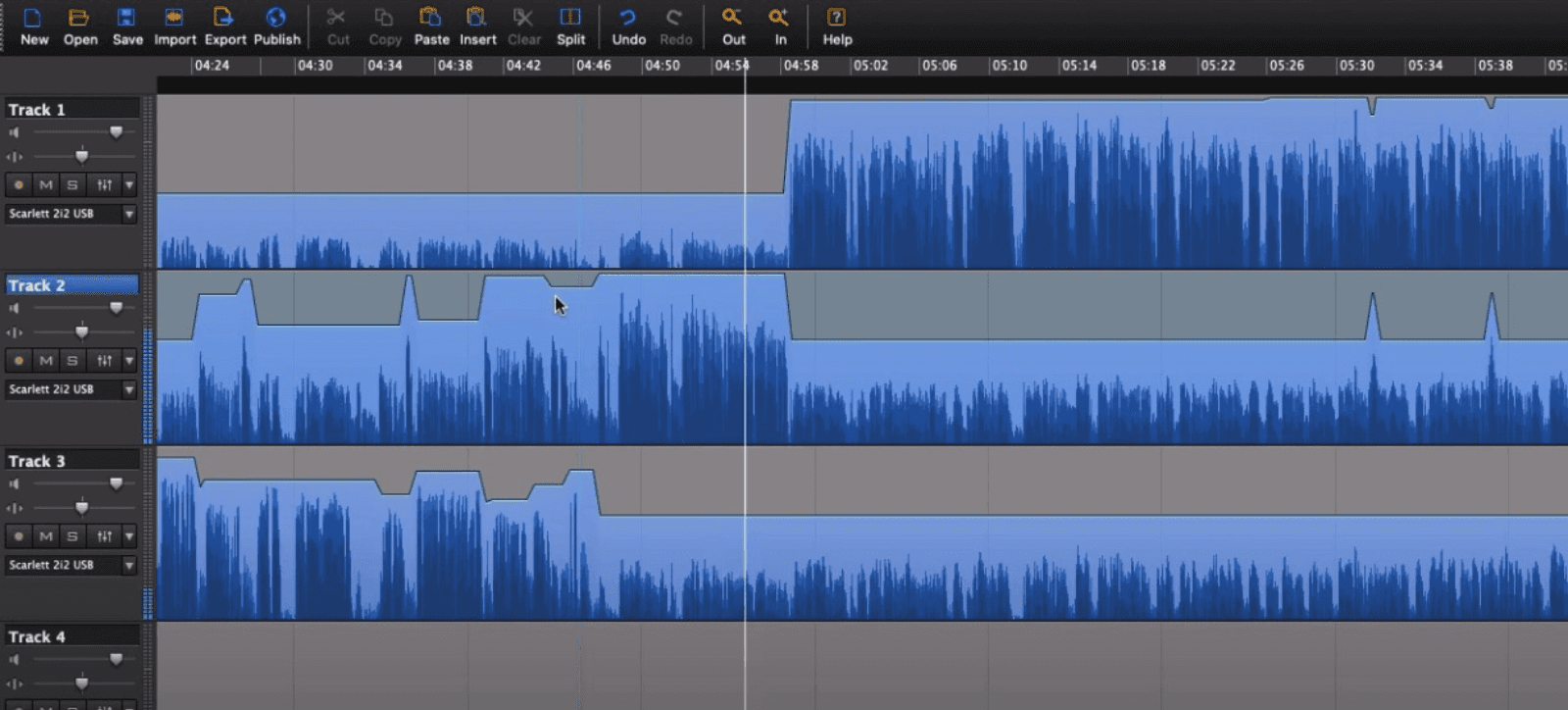 Key Features: Hindenburg includes automatic leveling, voice profiling, and collaboration features tailored to spoken-word production.
Pros: User-friendly interface for podcasters and automated features for faster editing.
Cons: Limited support for music production and higher price compared to some alternatives.
Pricing: Free trial available; paid plans start around $9.99/month. Ideal User: Beginner to intermediate podcasters.
- Sound Forge Pro
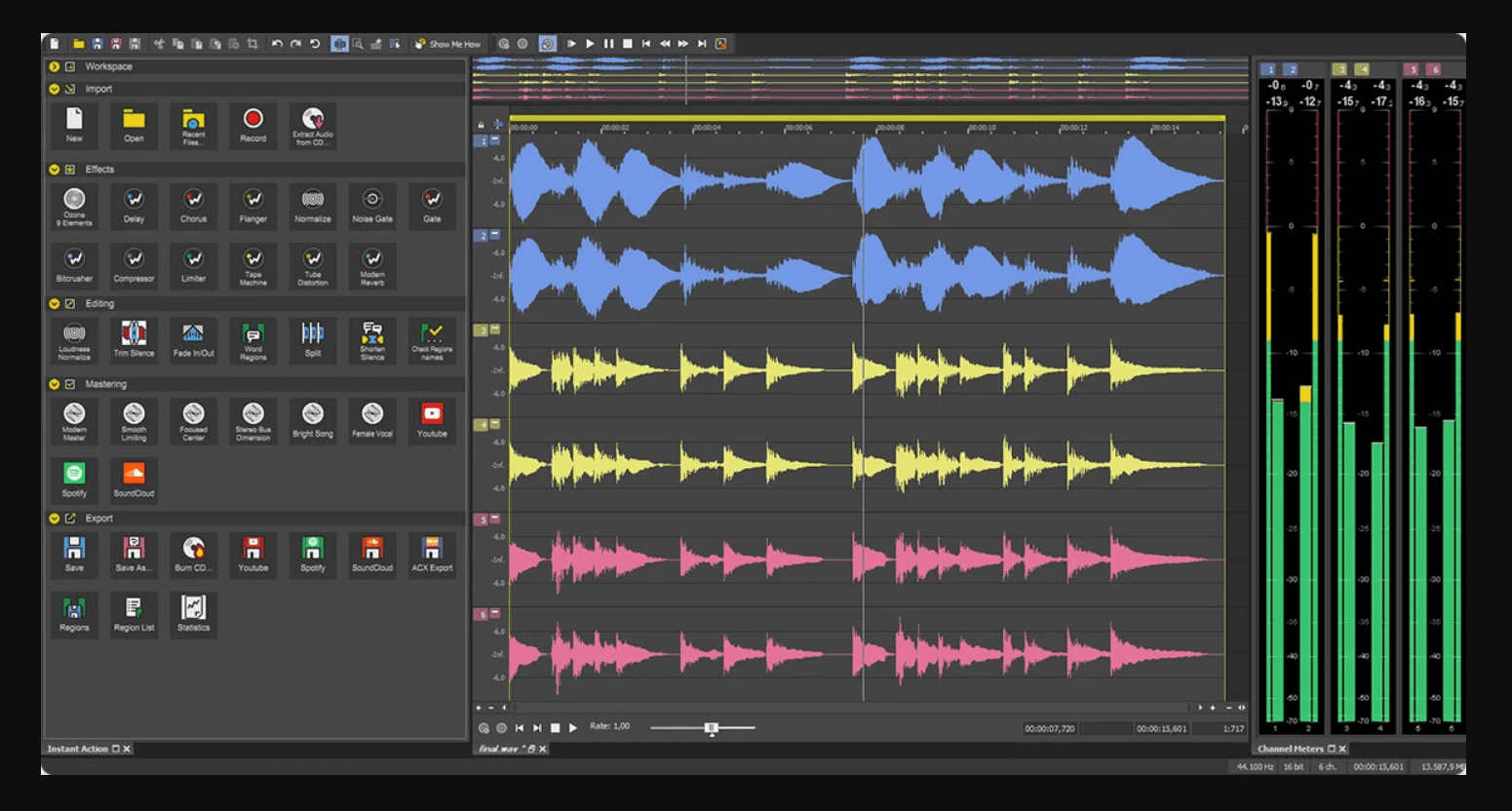 Key Features: Sound Forge Pro offers professional-grade editing, mastering, and audio restoration tools.
Pros: Advanced audio editing features, comprehensive mastering tools, and a customizable interface.
Cons: Higher cost relative to several alternatives.
Pricing: Free version available; premium versions start around $399.99. Ideal User: Intermediate to professional users requiring high-level editing and mastering.
- Cubase
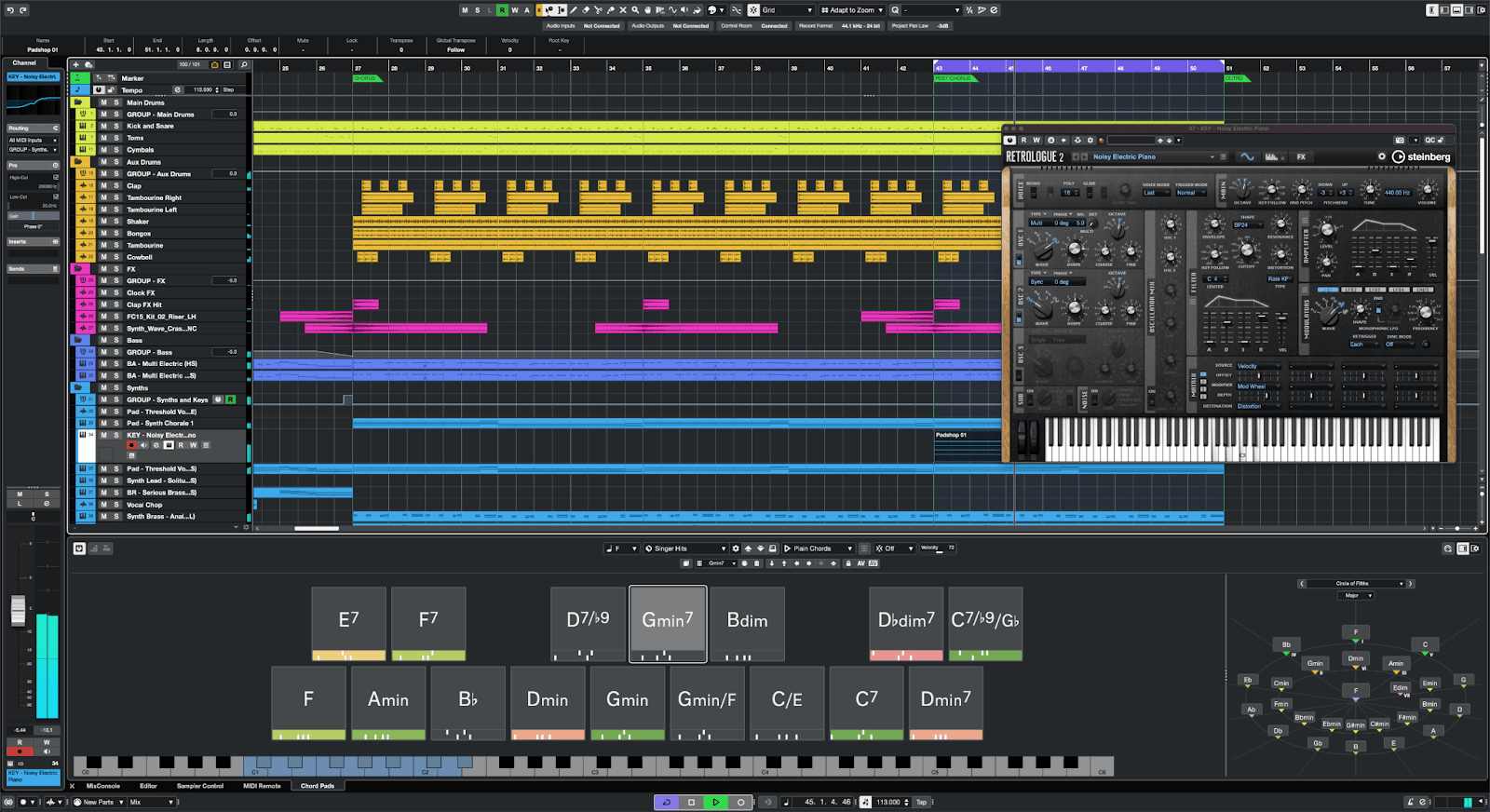 Key Features: Cubase provides advanced audio and MIDI editing, multitrack recording, virtual instruments, and audio effects.
Pros: Versatile editing and mixing tools, extensive plugin compatibility, and customizable workflows.
Cons: Higher price points and a steeper learning curve compared to some alternatives.
Pricing: Free trial available; paid plans typically start around $24.99/month. Ideal User: Intermediate to professional users.
How to select the Best Podcast Editing Software?
When comparing the mentioned Best Podcast Editing Software, some stand out for their user-friendly interfaces such as:
- Recast Studio
- Audacity
- GarageBand
What’s more? Adobe Audition, Pro Tools, and Logic Pro offer advanced features catered towards professional users.
Moreover, Reaper and Hindenburg Journalists provide a balance of features for both intermediate and professional users. Similarly, Sound Forge Pro and Cubase excel in precision editing and advanced audio capabilities.
So, to choose the right video podcast editing software, consider certain factors. These include a user interface, audio editing tools, integration capabilities, pricing, and suitability for your skill level and budget. Beginners may prioritize ease of use and affordability, while professionals may prioritize advanced features and compatibility with industry standards.
Ultimately, selecting the Best Podcast Editing Software aligned with your specific podcasting needs and workflow is key to achieving the desired results.
How to unlock the full potential of your premier Podcast Editing Software?
To ensure you’re getting the most out of your chosen Best Podcast Editing Software, it’s essential to explore the resources available. Take advantage of tutorials provided by the software manufacturer or available online to learn new features and techniques.
Additionally, don’t hesitate to customize the software settings to better suit your specific workflow and preferences. Moreover, If you encounter any challenges or have questions, utilize customer support services provided by the software company for assistance.
Finally, Regular practice is key to improving your editing skills. Therefore, make time to experiment with different features and effects to enhance the quality and creativity of your podcasts.
Conclusion: Which are the Best Podcast Editing Software in 2026?
In conclusion, the significance of selecting the Best Podcast Editing Software cannot be overstated. It directly impacts the quality and appeal of your content, influencing listener engagement and overall success.
Explore several options diligently, considering factors such as features, usability, and compatibility. Moreover, by conducting thorough research and experimentation, podcasters can identify the Best Podcast Editing Software that suits their specific needs and preferences.
This proactive approach ensures a more efficient and enjoyable podcasting journey. Thus, leading to the creation of compelling and impactful content.
Share your experiences with Best Podcast Editing Software in the comments below. We’d love to hear about your journey and the tools you’ve found most helpful. Don’t miss out on future insights and updates on podcasting tools and trends.
FAQs on Best Podcast Editing Software.
-
What is the best podcast editing software for beginners?
For beginners, Audacity or Recast Studios are user-friendly options for editing podcasts with basic features.
-
How can I edit my podcast for free?
You can edit your podcast for free using software like Oceanaudio. Moreover, you can utilize online platforms that provide free podcast creation and editing tools.
-
How do I edit a podcast like a pro?
To edit a podcast like a pro, focus on audio quality, pacing, content flow, and post-production effects. Moreover, master your editing software and consider hiring professional editors for top-notch results.
-
What software do professionals use to edit videos?
Professionals typically use the best podcast editing software like Adobe Audition, Logic Pro (for Mac users), Hindenburg Journalist, and DaVinci Resolve for their advanced features and compatibility with various file formats.
-
How much does a podcast editor cost?
The cost of the best podcast editing software varies based on factors like features, capabilities, etc. It typically ranges from $10 to $200 monthly/yearly.