How to Upload Audio on Facebook in 2026
Learn the practical way to publish audio on Facebook in 2026, including the difference between file sharing and feed-ready video posts.
The Short Answer
For a normal Facebook feed post, the practical answer is: you do not upload a standalone audio post. If you want something people can watch and hear in-feed, turn the audio into a video first.
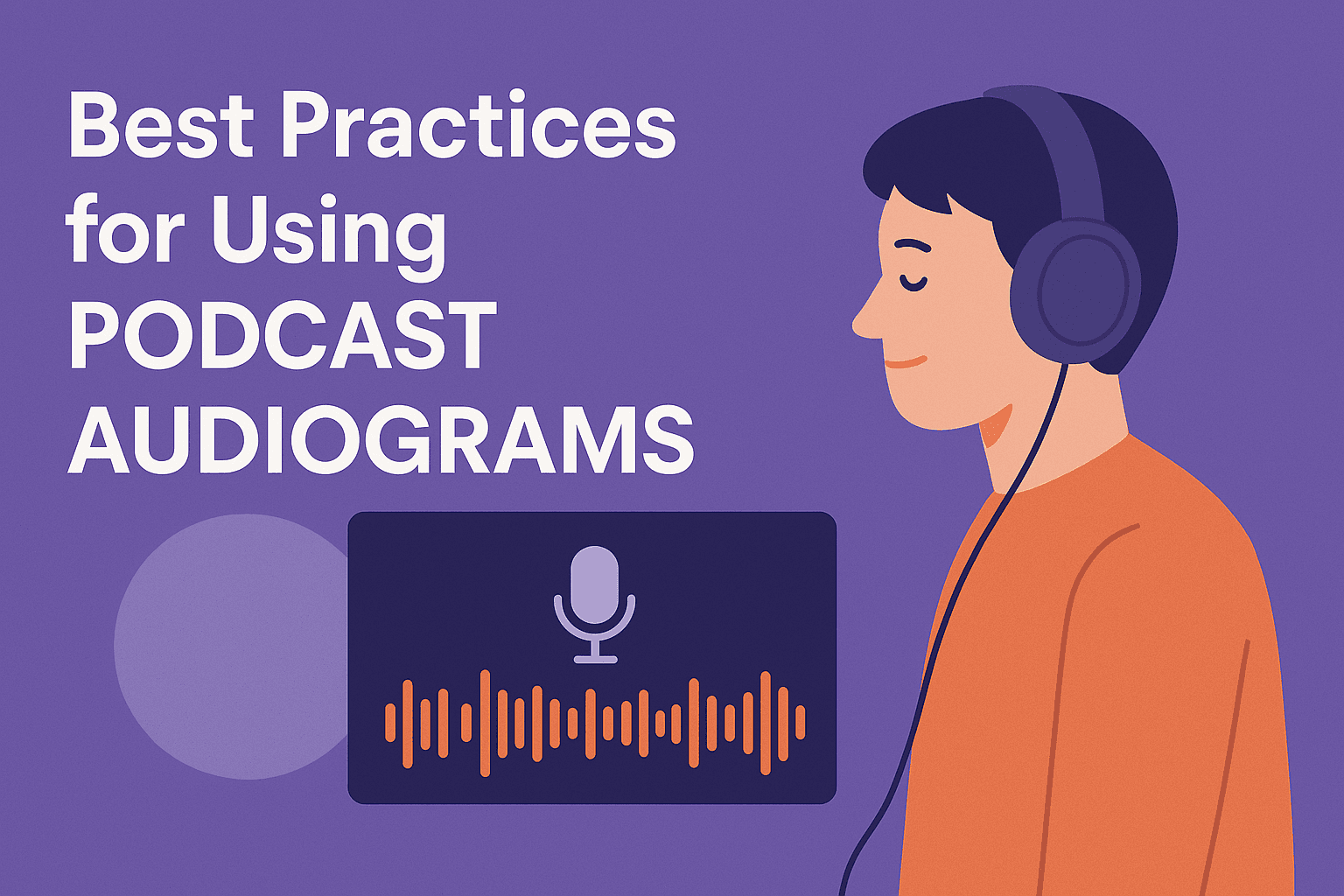
That usually means creating an audiogram or waveform video with captions, then uploading that video to Facebook.
There is one nuance worth knowing: in some Facebook group workflows, you may be able to attach a file. But that is not the same thing as publishing a feed-ready audio post people can play like a native video.
So if your real goal is reach, engagement, or podcast promotion on Facebook, audio-to-video is the correct workflow.
Why audio needs to become video on Facebook
Facebook is a visual feed. A plain audio file is not a strong in-feed format, but a short video clip with captions and motion is.
That is why podcasters, marketers, and creators usually convert audio into:
- an audiogram
- a waveform video
- a quote clip with subtitles
- a square or vertical promo video
Those formats are much more useful on Facebook because they give the viewer something to look at while also making the message understandable when muted.
What you need
- an audio file such as an MP3, WAV, podcast clip, or voiceover
- one short segment worth sharing, usually around 20 to 60 seconds
- a tool to turn that audio into video, such as Recast Studio’s Audiogram Generator
How to upload audio on Facebook in 3 steps
Step 1: Upload the audio to your editing tool
Start with the audio segment you want to share. This could be a podcast moment, a short announcement, a testimonial, or a narrated update.
If you are using Recast, upload the audio and select the exact section you want to turn into a Facebook-ready clip.
Step 2: Turn it into a visual asset
Choose a waveform or audiogram layout, add captions, and make sure the first frame is clear and readable. If the clip will be viewed on mobile, readability matters more than decoration.
The most important elements are:
- captions that are easy to read
- a strong hook in the first few seconds
- branding that does not overpower the message
- a format that fits Facebook feed placement well, usually square or vertical
Step 3: Export the video and post it to Facebook
Once the clip is exported as a video, upload it to Facebook like any normal video post.
That is the key point: you are not really uploading “audio on Facebook.” You are uploading a video version of the audio so it works in the feed.
Best formats for Facebook audio posts
If you are adapting audio for Facebook, these are the most practical options:
- Audiogram: best when you want a podcast-style visual with captions and branding
- Waveform video: useful when you want motion without heavy editing
- Subtitle-led clip: best when the words themselves are the main hook
- Square promo video: useful for feed visibility and simple re-sharing
Common mistakes
- posting a clip with no captions
- using a section that has no hook in the first few seconds
- making the text too small for mobile
- exporting an awkward format for feed viewing
- treating the Facebook post like a file upload instead of a feed asset
FAQ
Can I upload an MP3 directly to Facebook?
Not as a normal native feed post that behaves like a video post. If your goal is a Facebook post people can consume in-feed, convert the audio into video first.
Can I attach audio files anywhere on Facebook?
In some contexts, such as certain group workflows, files may be shared. But that is different from publishing a feed-ready audio post for broad distribution.
What is the best way to share podcast audio on Facebook?
Create a short audiogram or waveform video with captions, then upload that video to Facebook.
What format works best?
Square and vertical videos usually work best to start. Test both if Facebook is a meaningful channel for you.
If you want the fastest route from audio file to Facebook-ready post, start with Recast Studio’s Audiogram Generator or Sound Wave Generator.