Recast is software a marketing team runs itself. Clips are cut by editing the transcript, so the people who already plan the content can also make it. This section covers who does what, how the brand stays consistent, how review works and where Recast stops.
Who does what
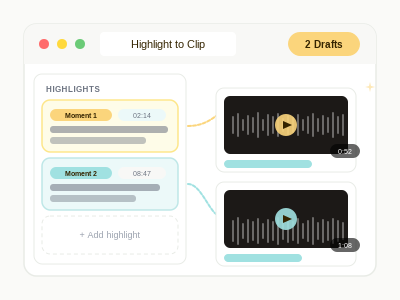
Content or demand gen marketer. Uploads the recording, chooses from the suggested clips, trims them in the transcript and generates the written drafts. This is the person the editor is built for. No editing background is assumed.
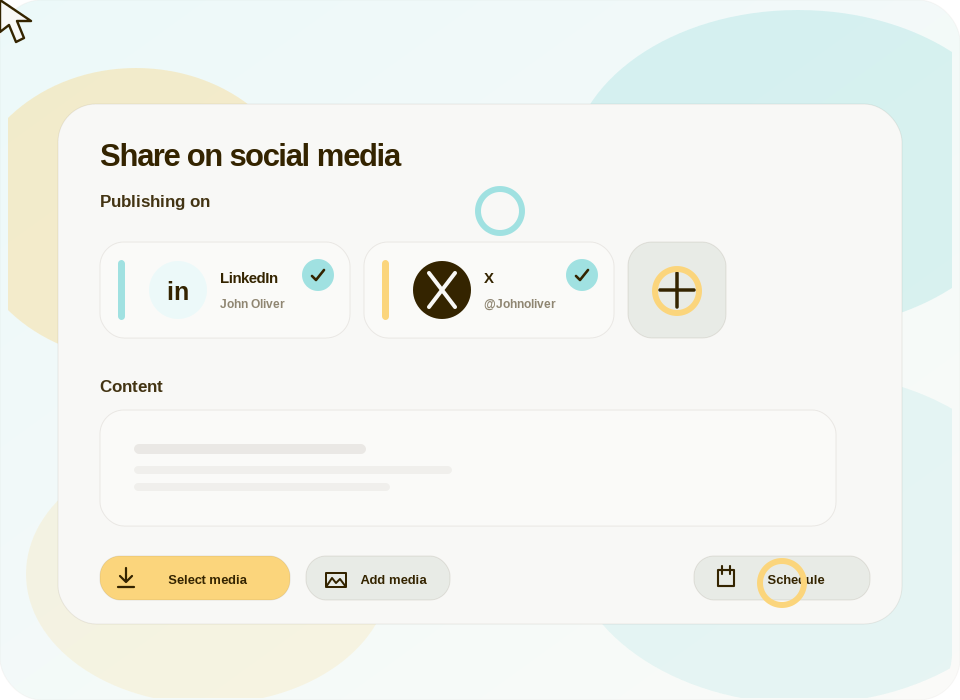
Social media manager. Takes the finished clips and the post drafts. On the Professional plan they post or schedule from inside Recast to TikTok, Instagram, YouTube, Facebook, LinkedIn and X. On Starter they export the files and post them the way they do today.
Subject expert or speaker. Is recorded once, in the webinar, the podcast or the call. After that their only job is to check the clips and quotes that use their words.
Head of content or brand owner. Decides the logo, fonts and caption style, and is the last check before an asset goes out.
Video editor or designer, if you have one. Keeps the work Recast is not built for: produced videos, motion design and anything that needs a multitrack timeline, which Recast does not have. Recast takes the weekly clip requests off their list.
On a small team one marketer holds the first two roles, and often the fourth.
How the brand stays consistent
- Your logo on every clip
- Your fonts, including fonts you upload
- Brand colors and one caption style
- A template you set up once and reuse
- Layers for b-roll, images, shapes and a progress bar
Custom font upload and animated captions are included on every plan, including the Free Trial. A reusable template applies your captions, layout, logo and brand colors, so each new clip starts from the same look and nobody styles it from scratch. This site does not describe locked brand settings, so the brand owner's check before publishing still matters.
How review works
Review is built into the workflow in two ways. First, nothing Recast makes is final: a clip is a suggestion and a blog post is a draft until a person on your team approves it. Second, the team workspace: you invite teammates, share videos, leave feedback and manage projects in one place, so the speaker or the brand owner can comment on a clip without a file being emailed around.
That is everything this site says about the team workspace. Seats for teammates are an add-on to a plan, arranged by contacting Recast. The price of a seat is not on the pricing page, so ask for it when you get in touch. Nothing here describes approval steps, user roles or permissions either. If your sign-off process depends on any of these, ask Recast before you plan around it.
What Recast does not do
It is not a done-for-you service. The AI suggests clips and writes drafts. Someone on your team still chooses, edits and approves them, every time.
It does not record, host or run events. Keep your webinar platform, your podcast recording setup and your event crew. Recast starts when the recording exists: you upload the file or import the video from YouTube.
Direct publishing needs the Professional plan. On the Free Trial and Starter you export the files and upload them to each channel yourself.
The Free Trial is for testing one recording. It has 60 credits, given once. Exports carry a watermark, which paid plans do not add. A recording longer than 60 minutes cannot be partly processed on the trial. Each exported video can be up to 1 minute long, with 5 minutes of exported video a month, and files are kept for 7 days.
A recording can be up to 3 hours long on paid plans. Split a longer recording before you upload it.
Exports have ceilings. Starter allows 300 minutes of exported video a month and 15 minutes per video. Professional allows 600 minutes a month and 60 minutes per video. Clips fit well inside both.
The table below works out the monthly cost at several team volumes, from one webinar a month to 780 upload minutes, and the full plan details are on the pricing page. For how editing by transcript works, and when a timeline editor is still the better tool, read the guide to text-based video editing for marketing teams. To compare Recast with other tools, start at the comparison hub or go straight to Recast and Descript side by side.