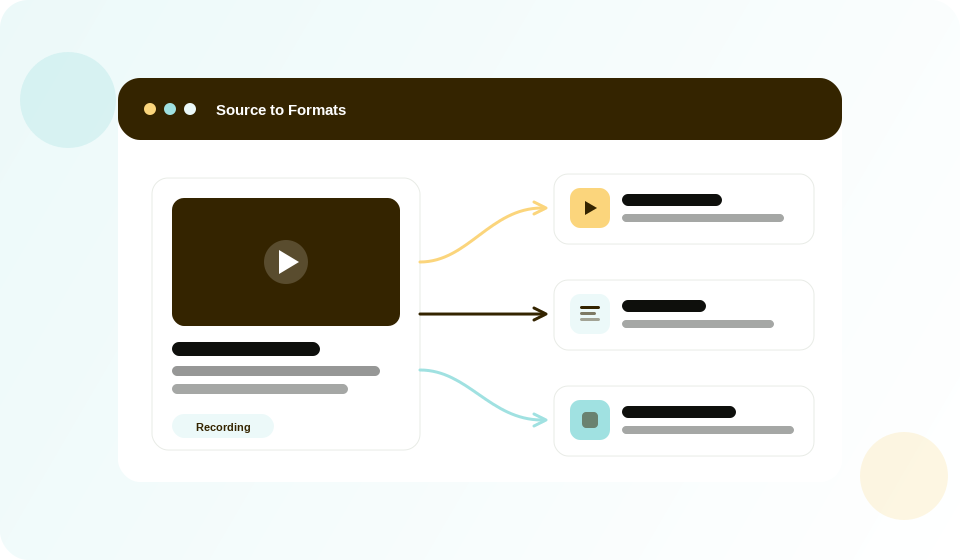
Recast works on a webinar after it has happened. You give it the recording, and it gives back captioned clips in three shapes and written drafts made from the same transcript. A marketer runs it in a browser and reviews every asset before it goes out.
What goes in
- The recording file you download from your webinar platform
- A YouTube link, if the webinar is on YouTube
Recast starts from the recording itself, so it is not tied to one webinar platform. Upload length is what uses credits, at 1 credit per minute.
What comes out
- Clips in 16:9, 9:16 and 1:1
- Captions on every clip, in your brand styling
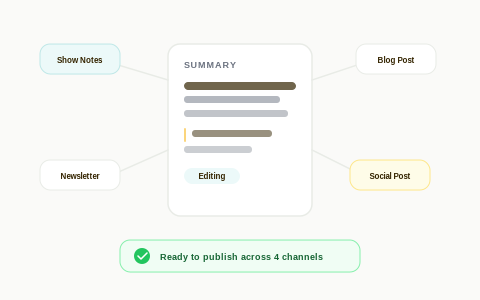
- A blog draft with an outline
- A summary with key takeaways
- A recap with timestamps, in show-notes form
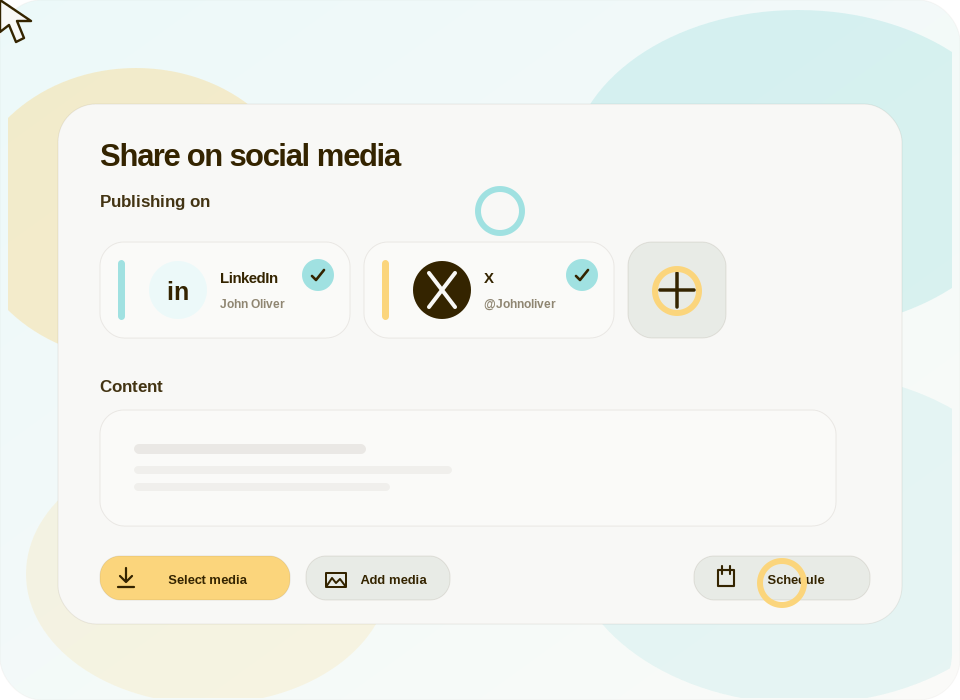
- LinkedIn posts, social posts and email copy
- A transcript, with transcription in 20+ languages
Each written output is a draft made from the transcript. Someone on your team edits the wording before it is published.
What Recast does not do
It does not host or run webinars. There are no registration pages, no live room and no other live features. Keep your webinar platform for the event. Recast starts once the recording exists.
It is not a done-for-you service. Recast is software that your team runs. The AI suggests the clips and writes the drafts, and a person on your team picks, edits and approves them. If you want someone else to plan, edit and post for you, an agency is the better fit.
Direct publishing needs the Professional plan. On the Free Trial and Starter plans you export the files and upload them to each channel yourself.
The Free Trial is limited. It includes 60 credits, one time, which is one 60-minute webinar. A longer recording cannot be partly processed on the trial. Its exports carry a watermark, which paid plans do not add, each exported video can be up to 1 minute long, and it allows 5 minutes of exported video per month.
Recordings can be up to 3 hours long on paid plans. A longer event has to be split into parts before you upload it.
Long exports have a ceiling. The longest single exported video is 15 minutes on Starter and 60 minutes on Professional. Clips fit well inside both limits, but an edited full-length copy of a 90-minute webinar cannot be exported as one file.
The table below works out the cost of a 60-minute and a 90-minute webinar on each plan, and the full plan details are on the pricing page. If you are planning a webinar now, the webinar repurposing guide covers what to decide before, during and after the event. If your recordings also include podcasts, interviews or demos, see the content repurposing page. To compare Recast with other clip tools, start at the comparison hub or go straight to the Vizard AI comparison.